
20 Best 3D Maya Tutorials for Beginners from Autodesk Inc
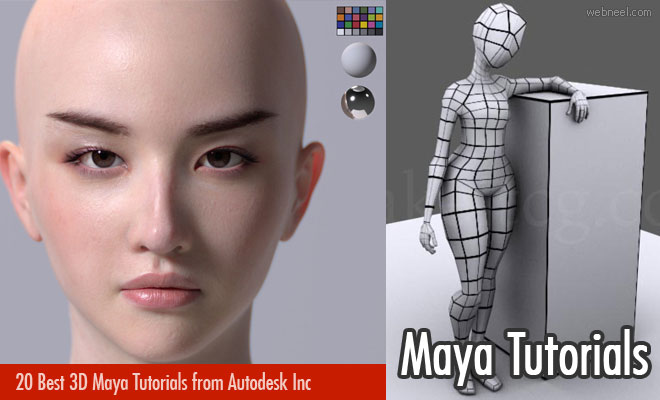
Maya is 3D animation software offered by Autodesk, Inc. The 3D Maya tutorial is a guide for beginners to help them create interactive 3D applications, animations and visual effects. The Maya video tutorial will provide insight into 3D modeling, rendering, imaging, dynamics and effects using the software. The Maya tutorial highlights the basic concepts of using the Maya software, which in turn will enable beginners to develop the skills needed for video game development and creating visual effects. The software is equipped with next-gen display technology, tools for handling complex data and an accelerated modeling workflow. Here are the 20 best 3D Maya tutorial videos for beginners.
Basic skills of 3D Maya tutorial by Matt Chan
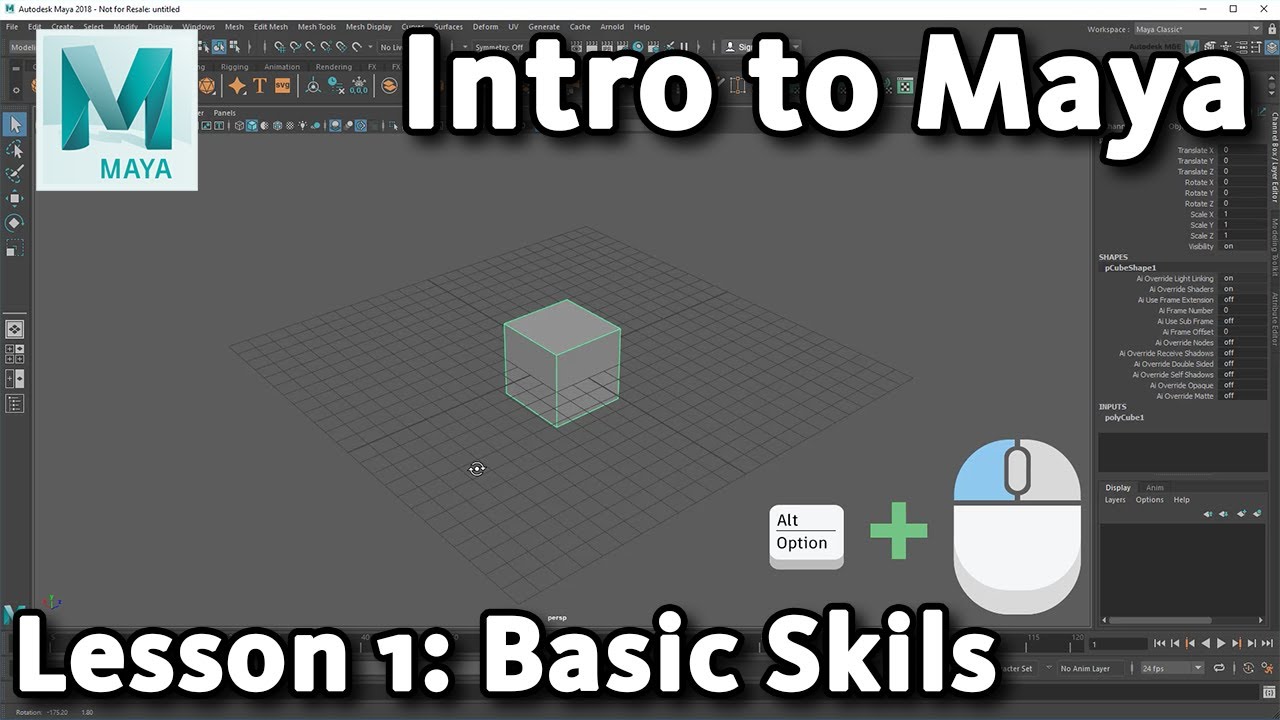
Introducing 3D shapes and transforms in Maya tutorial by Matt Chan

Controlling transforms in 3D with offset parent matrix in Maya tutorial by Kelly Ng Wan

Basics of 3D texturing in Maya tutorial by Yone Santana

Introducing 3D matrix widget in Maya tutorial by Kelly Ng Wan

Learning 3D character rigging in Maya tutorial by Yone Santana

Knowing Hotkeys in 3D Maya tutorial by Matt Chan

Customizing 3D tangent markings in Maya tutorial by Kelly Ng Wan

Changing 3D tangents in Maya tutorial by Kelly Ng Wan

Creating WetMaps using PhoenixFD in 3D Maya tutorial by Gabriel Kerfoot
Introducing 3D Pixar’s RenderMan in Maya tutorial by Rusty Hazelden

Fixing a reference image for 3D modeling in Maya tutorial by Laurence Cymet

Simplifying 3D animation principles in Maya tutorial by Jonathan Abenhaim
Setting up 3D animation in Maya tutorial by April Robinson

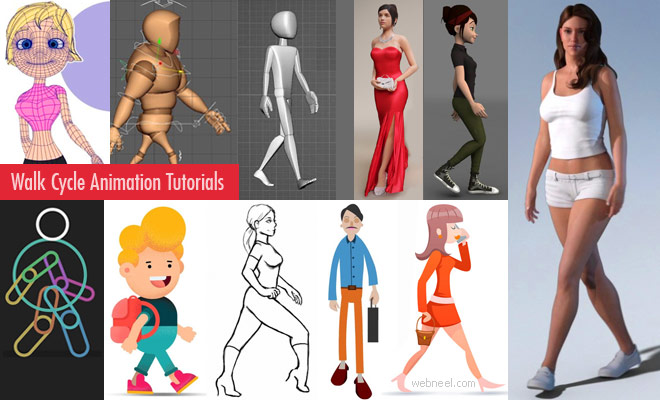
Creating walking 3D animations in Maya tutorial by Amanda Di Pancrazio

Modeling a 3D tire in Maya tutorial by Mike Hermes

Modeling feathers blown by wind in 3D Maya tutorial by Gabriel Kerfoot

Modeling a 3D eyeball in Maya tutorial by Mike Hermes

Creating a 3D ocean with BOSS in Maya tutorial by Matt Chan

Building a rocket in 3D Maya tutorial by Matt Chan

Our Editor’s Experience
Autodesk Maya tutorials give beginners a structured path through modelling, animation, rendering and effects. The interface may have many buttons, but each lesson can persuade a few of them to cooperate.
— Neelakandan · Designer · Editor
SHARING IS CARING
Related Blog Posts
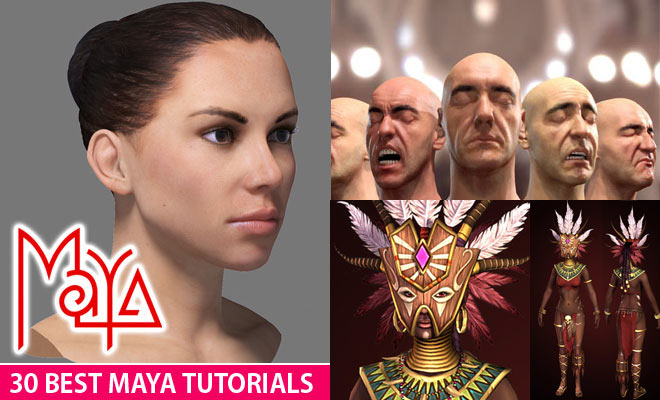


Related : 3ds Max Tutorials | Maya Tutorial | ZBrush Tutorial | Walk cycle animation Tutorials
Categories:
animation