Bored of typing? Now you can draw your pictures to search for an image using 500px's Splash tool

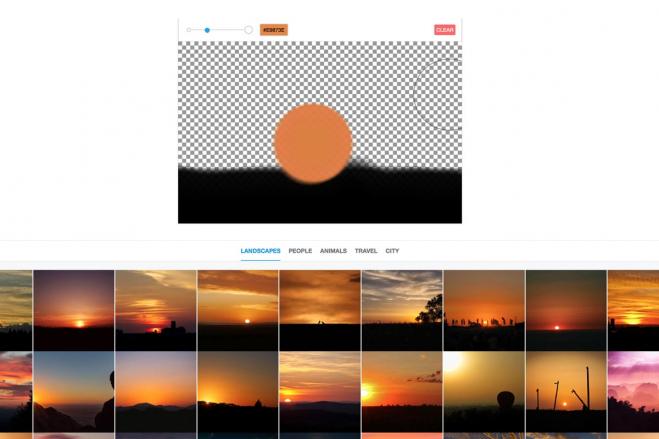
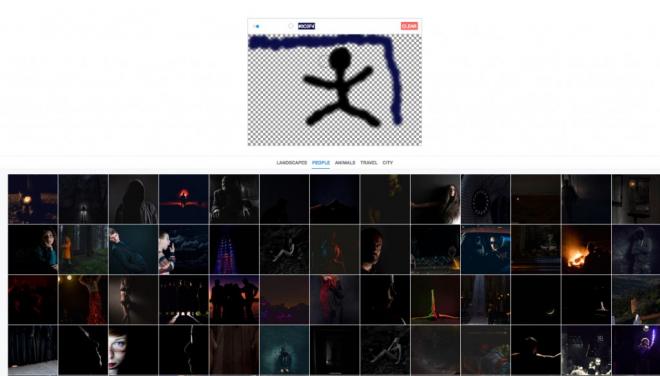
Sketch your thoughts instead of keywords to complete your search, and Splash Tool brings the expected results to the screen. 500px, one of the popular photography websites, has come up with a new, unique, and interesting tool that lets you search for photos by drawing them. If you have to search for a picture that relates to a house, you just have to draw a house. It also lets you choose the colour and size of your brush. Based on how effective your drawing is, you will get search results with images that are close to your drawing. The interface is very simple: there is a “clear” button at the top right, and there are categories like Landscapes, People, Animals, Travel, and City. The more accurate your drawing is, the more accurate the result will be.
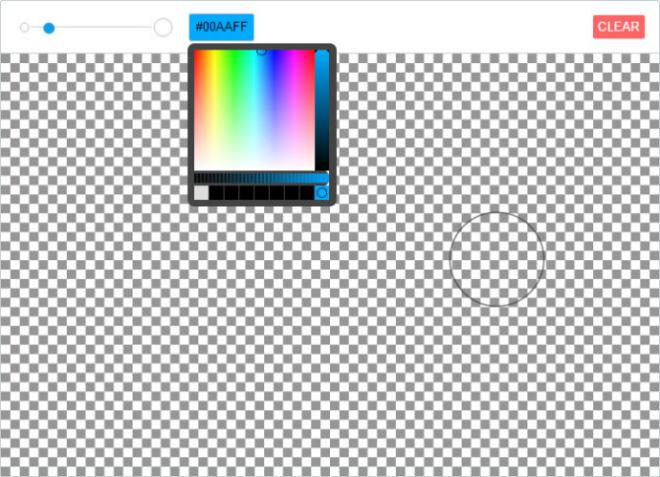
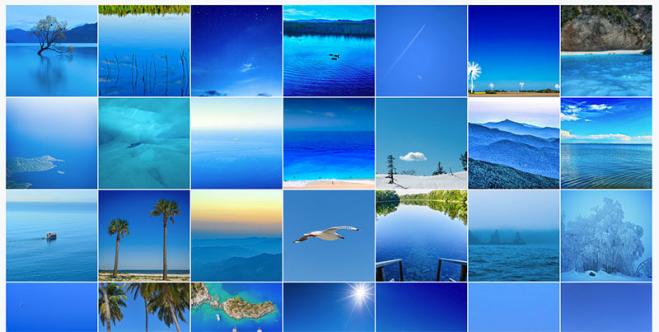
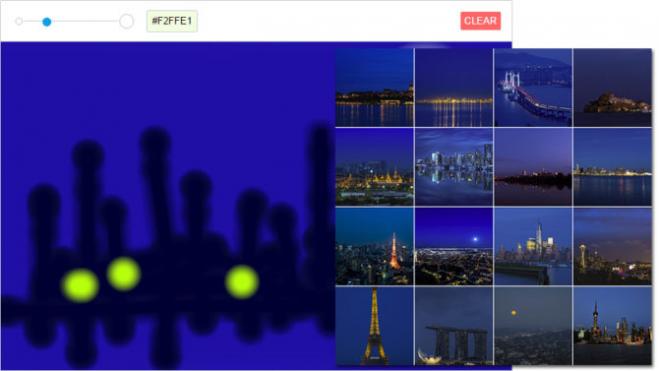
The slider on the top right lets you adjust brush size while the colour box on the right lets you switch between a colour palette. Below, images are instantly populated into several categories - As you add colour and design to your sketch, the images change in response. The Splash tool seems to pick on lighting patterns well, it recognizes the areas which are lighter or darker than others in the image. With continuous corrections in your drawing the system updates itself to accuracy.
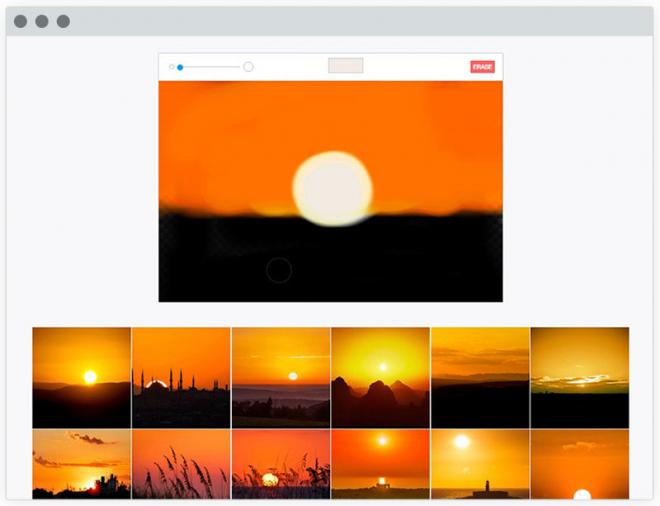
Currently beta version of the search tool is launched by 500px Labs and is available for testing. This is indeed the first product of its kind from 500px Labs, innovation in the photo sharing community .
To Test On Splash Tool : https://labs.500px.com/