Incredible Digital Drawings Created with Microsoft Surface Studio
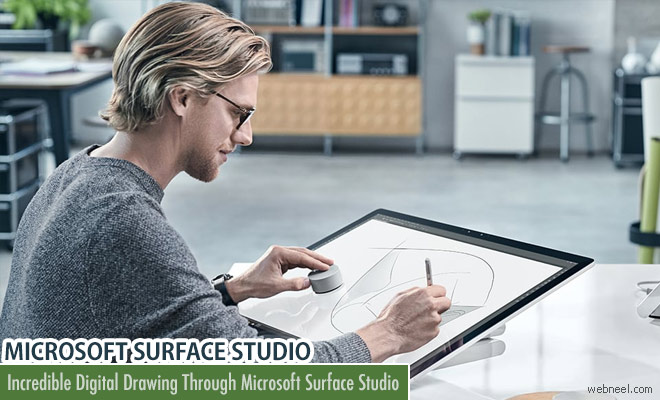
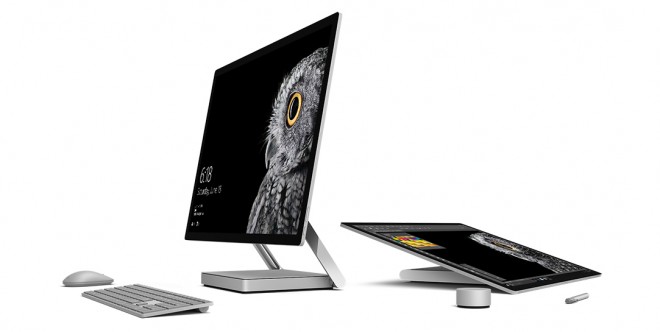
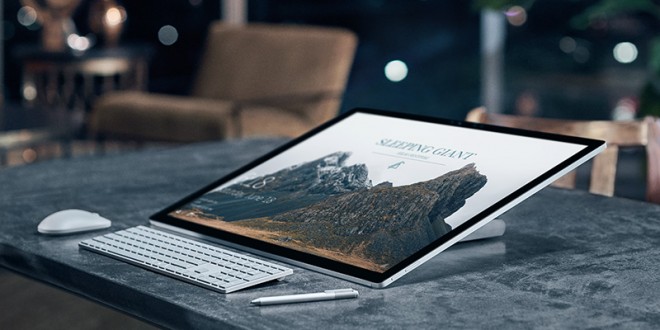
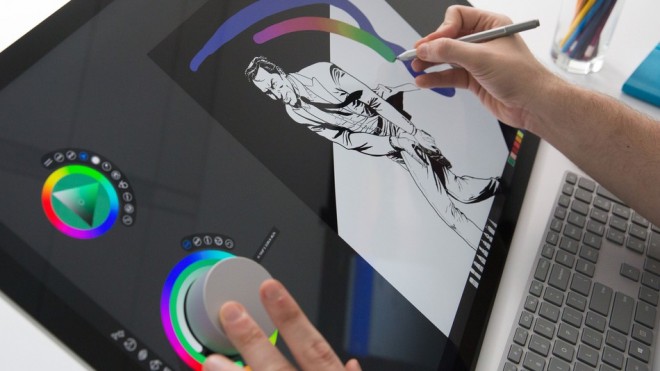
Microsoft has provided a way to move beyond boring desktop computing and shake things up with the compact and creative Surface Studio. Its stunning 28-inch PixelSense display is arguably one of the best desktop monitors. It uses a resolution of 4500 x 3000 (192 dpi), primarily because it has a 3:2 aspect ratio. You can sketch, paint, and draw on the 28-inch PixelSense display. The zero-gravity hinge helps you work upright in desktop mode or lower the screen into studio mode effortlessly with one hand. You can log in using facial-recognition technology.
Tech Specs:
- Display Screen: 28” PixelSense™ Display
- Resolution: 4500 x 3000 (192 PPI)
- Memory: 8GB, 16GB, or 32GB RAM
- Processor: 6th Generation Intel® Core™ i5 or i7
- Graphics:
I5 Intel 8GB: NVIDIA® GeForce® GTX 965M 2GB GDDR5 memory
i7 Intel 16GB: NVIDIA® GeForce® GTX 965M 2GB GDDR5 memory
i7 Intel 32GB: NVIDIA® GeForce® GTX 980M 4GB GDDR5 memor - Wireless:
Wi-Fi: 802.11ac Wi-Fi wireless networking, IEEE 802.11 a/b/g/n compatible
Bluetooth: Bluetooth 4.0 wireless technology
Xbox Wireless built-in
Watchout the video for Unboxing and review
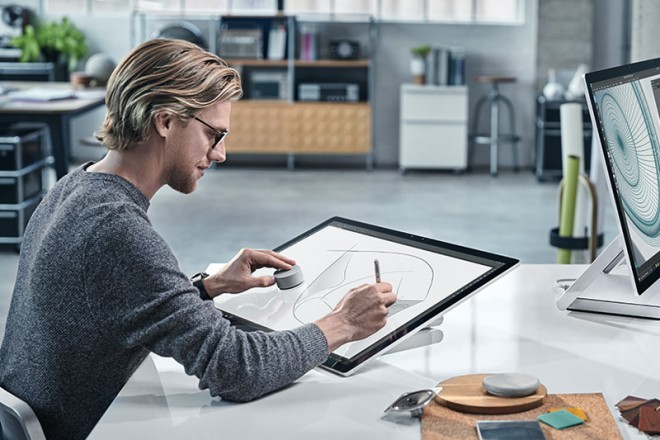
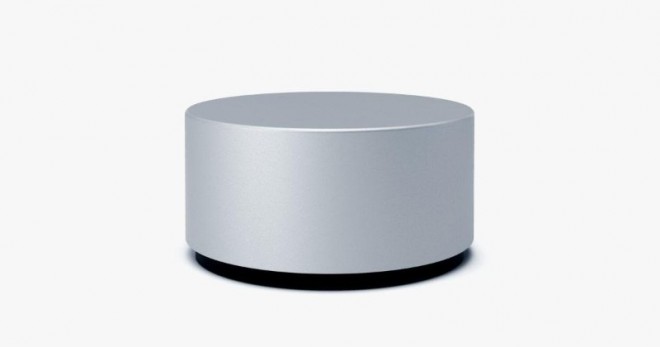
Surface dial is a new way to interact with technology which sits on the 28 inch screen and twists like a doorknob, is a peripheral, like a mouse and keyboard. If Surface Studio is your drafting table and the Surface Pen stylus is your pencil, then Dial is your palette.Dial clicks, double clicks, rotates, and detects screen position.
To know more about the product view :
microsoft.com/en-us/surface/devices/surface-studio/overview
Microsoft Surface Studio is priced $2999 and is available across stores. To use Surface studio is a whole new experience of innovation and versatality.