Superimpose Photography app for IOS and Android phones

1. Load a background image.
2. Load a foreground image.
3. Mask out the unwanted portion of the foreground image using a wide range of masking tools.
4. Smooth the edges with the smoothing tool inside the app, if required.
5. Move, scale, resize, rotate, and flip the foreground to place it in the right location on the background image.
6. Adjust the colors, exposure, contrast, hue, saturation, etc. of the foreground and background images, if required, to match the colors of both images.
7. You are done! Share it with your friends and amaze them!

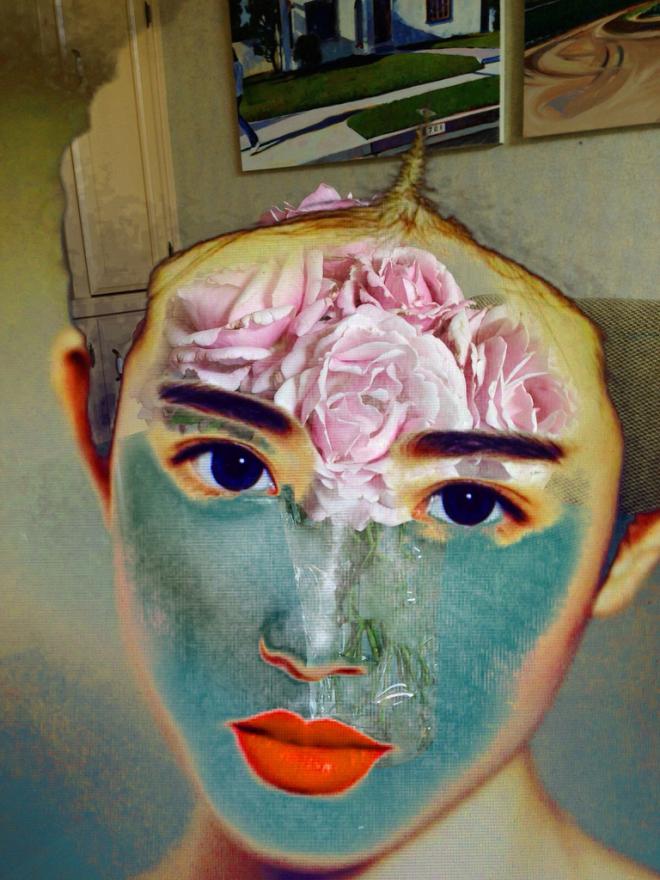
Apart from changing the image backgrounds, you can also do photo editing tasks like blending textures, overlaying borders, double exposure and so on. Masking in an important feature in this app, just tap on an area of the photo, and the app will mask out all the connected area with similar colors. Or you can use brush, lasso, global color similarity, rectangle, ellipse, linear, bi-linear or radial gradient masking tools. Mask a portion with this tool and that portion of the foreground image will become transparent and reveal the background. The apps are available for a premium version.

Watch the tutorial video
https://www.youtube.com/watch?v=PPFvuIKHrR4
Download app for IOS : itunes.apple.com
For Android : play.google